Oct 27, 2023
React Hydration: What Is It and How Does It Work?
Understanding how React brings static HTML to life with interactive JavaScript.
Hydration is one of those React concepts that sounds more complicated than it is. If you've ever wondered how a static HTML page turns into a fully interactive React app, hydration is the answer.
What Is Hydration?
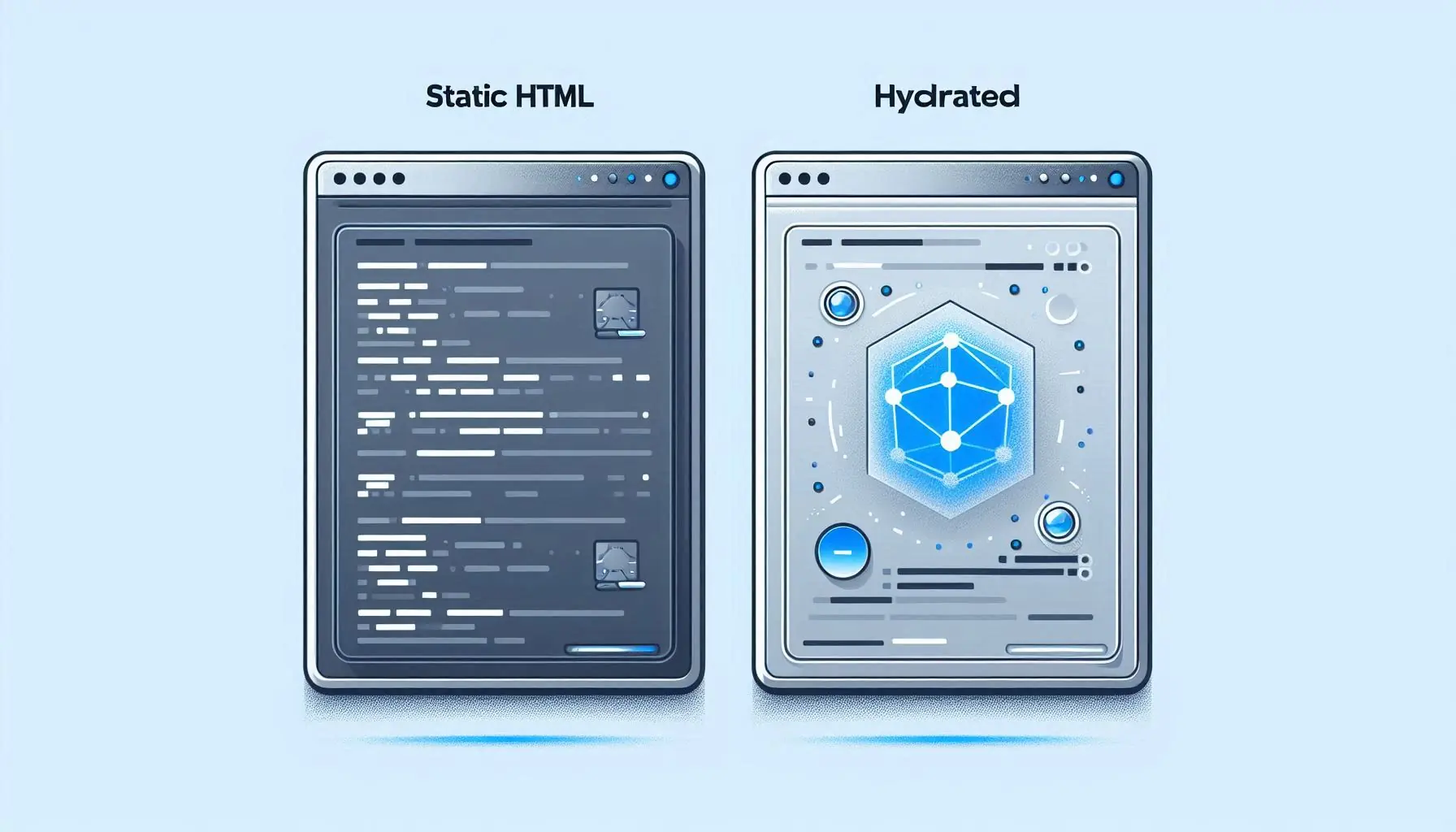
Hydration is the process of taking server-rendered static HTML and attaching React to it so it becomes interactive. The HTML is already there on the page; hydration wires up the event handlers and state so the markup actually does something when you click it.
Why Do We Need It?
With server-side rendering (SSR), your server sends a fully formed HTML page. That's great for first paint and SEO, but on its own it's static. Nothing responds to clicks, nothing updates. Hydration is the step that attaches the event handlers and React state to that markup and makes the page interactive.
The Hydration Process
Here's what actually happens:
- The server sends the initial HTML, which gives you a fast first paint.
- React loads in the browser.
- React reads the existing HTML and matches it against your component tree.
- It attaches the event handlers and sets up state management.
Common Hydration Problems
Hydration is not always smooth. The most common issue is the 'Text content did not match' error, which happens when your server-rendered content doesn't match what React produces on the client during hydration. The two have to line up.
A few things that help keep hydration clean:
- Make sure the server and client render the exact same content.
- Use useEffect for code that should only run on the client.
- Consider partial hydration for better performance.
- Watch for hydration errors in development.
Streaming and Selective Hydration
Newer versions of React support streaming SSR and selective hydration. Instead of hydrating the whole page at once, React can prioritise and hydrate different parts of the app as needed, which makes large pages feel responsive sooner.
Hydration is the bridge between static server-rendered content and the interactive app the user ends up with. Understanding how it works makes a lot of SSR behaviour and errors much easier to reason about.
Unit, Integration, and End-to-End: The Testing Trifecta
Exploring the differences between these essential testing approaches